Skip to content

Parametric organizers
that perfectly fit your space.

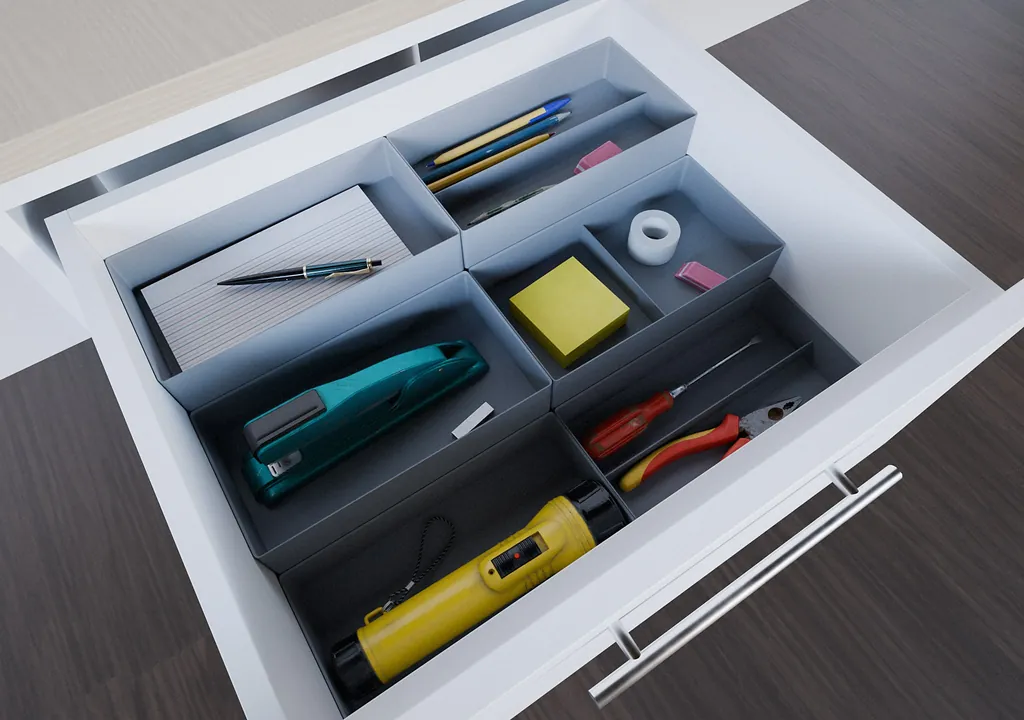
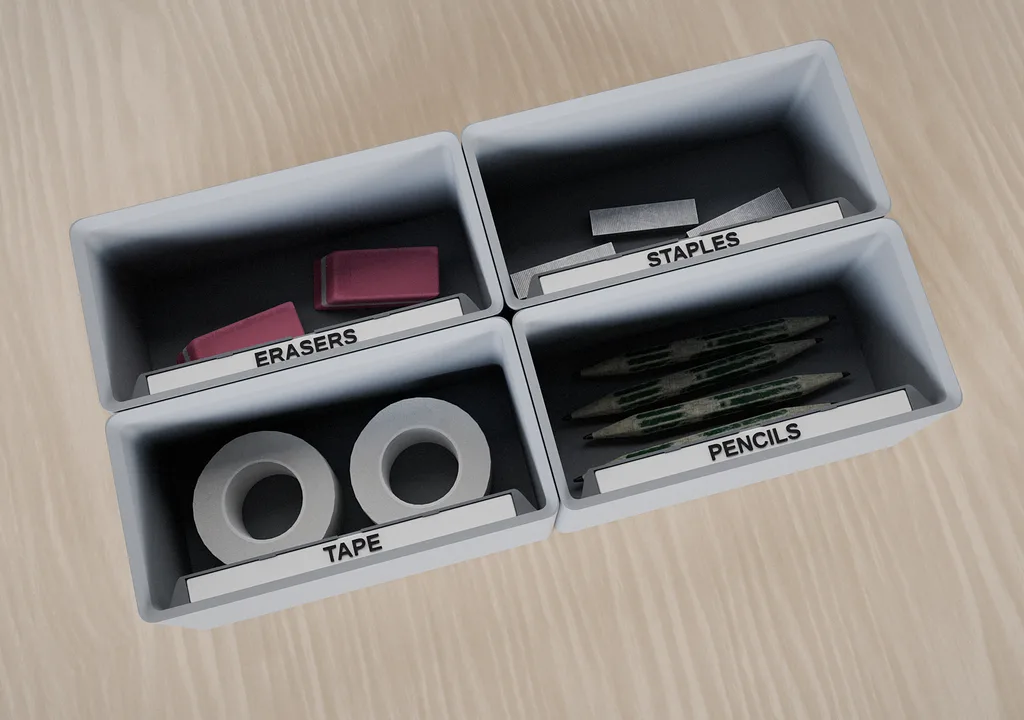
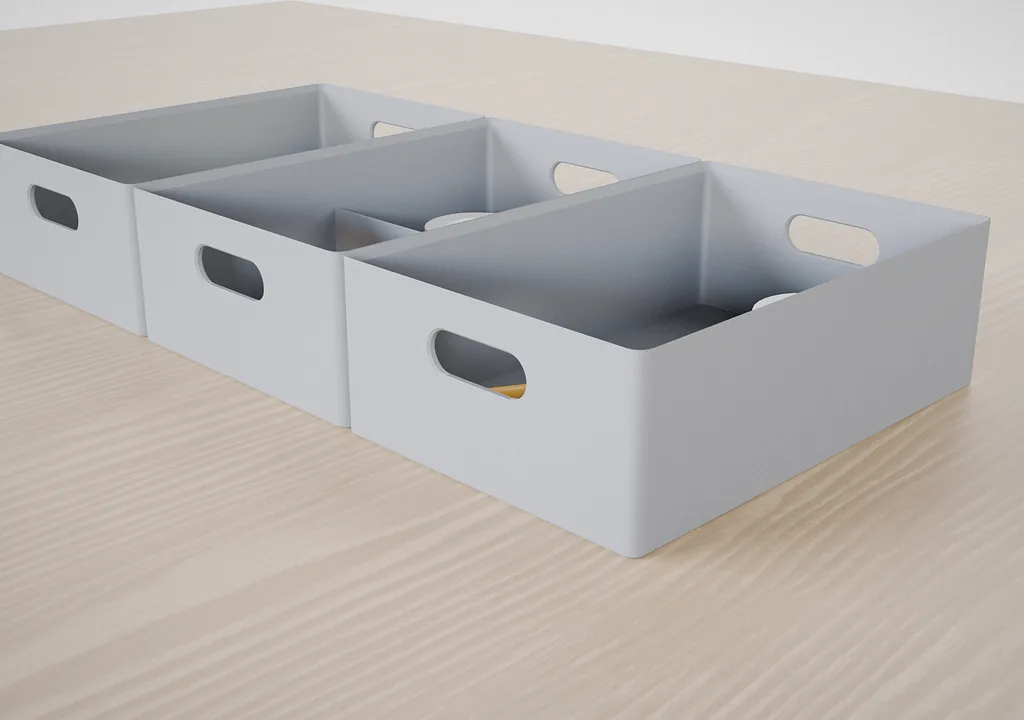
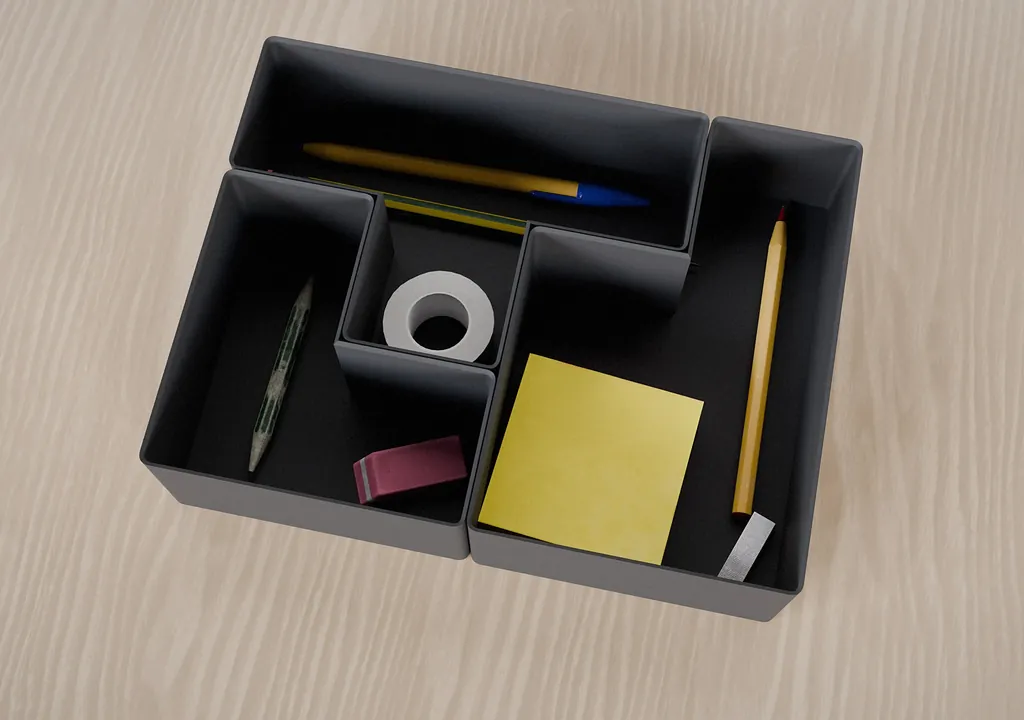
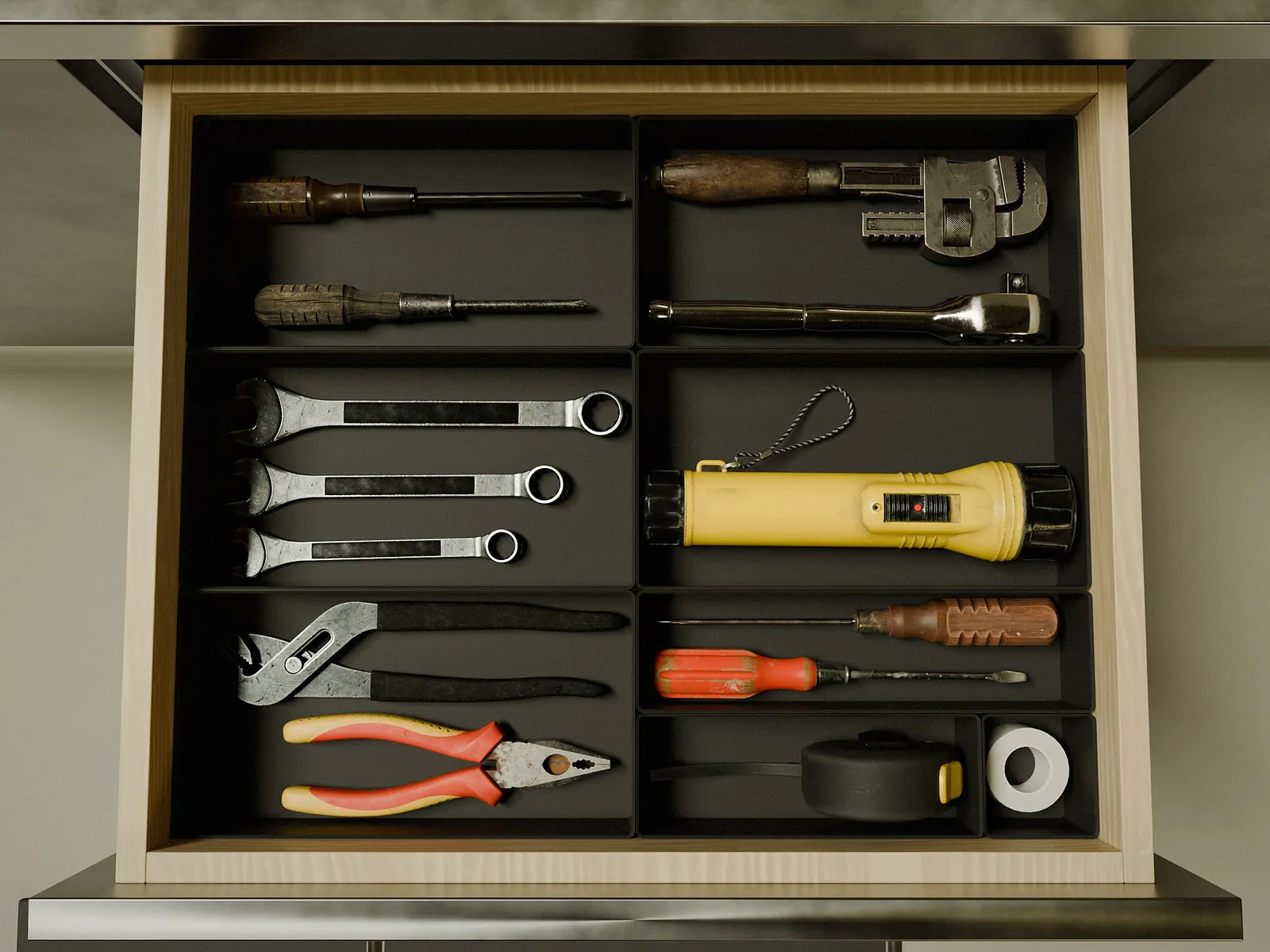
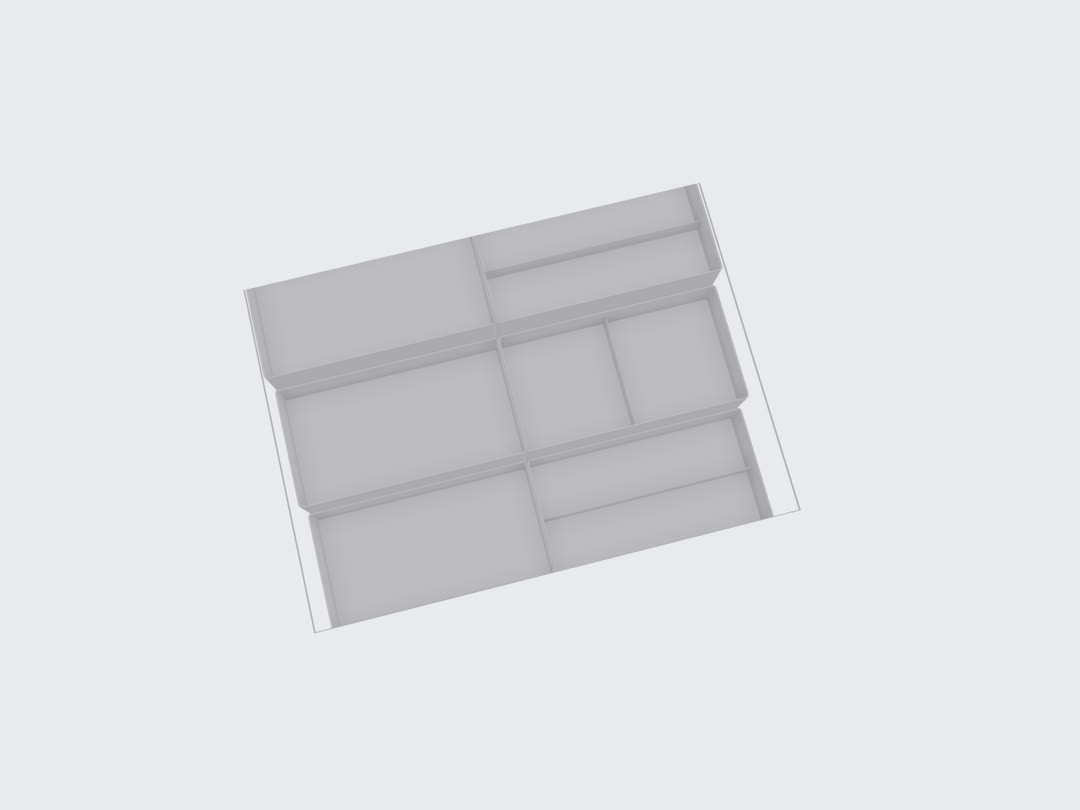
Measure your space, design your setup, and print it on your own 3D printer — for yourself or your clients.

Design in CubeOn. Print on your 3D printer.

Download STL or 3MF, open the file in your slicer and print the organizer on the machine you already use.

STL ZIP3MF

Interactive demo

See the complete workflow before you start.

Follow the real CubeOn Studio interface from printer setup and measurements to module design and export. No account required.

53 guided steps · about 8 minutes · no account required

cubeon.app/demo
Interactive demo

Others vs CubeOn

This isn’t another box generator.

CubeOn is the complete 3D organizer workflow — from the space you measured to plates prepared for your printer. No CAD. No grid math. No stitching generators together.

Explore the full comparison

See the features, workflow and output differences in detail.

Feature
Others
CubeOn

Design in a live 3D workspace

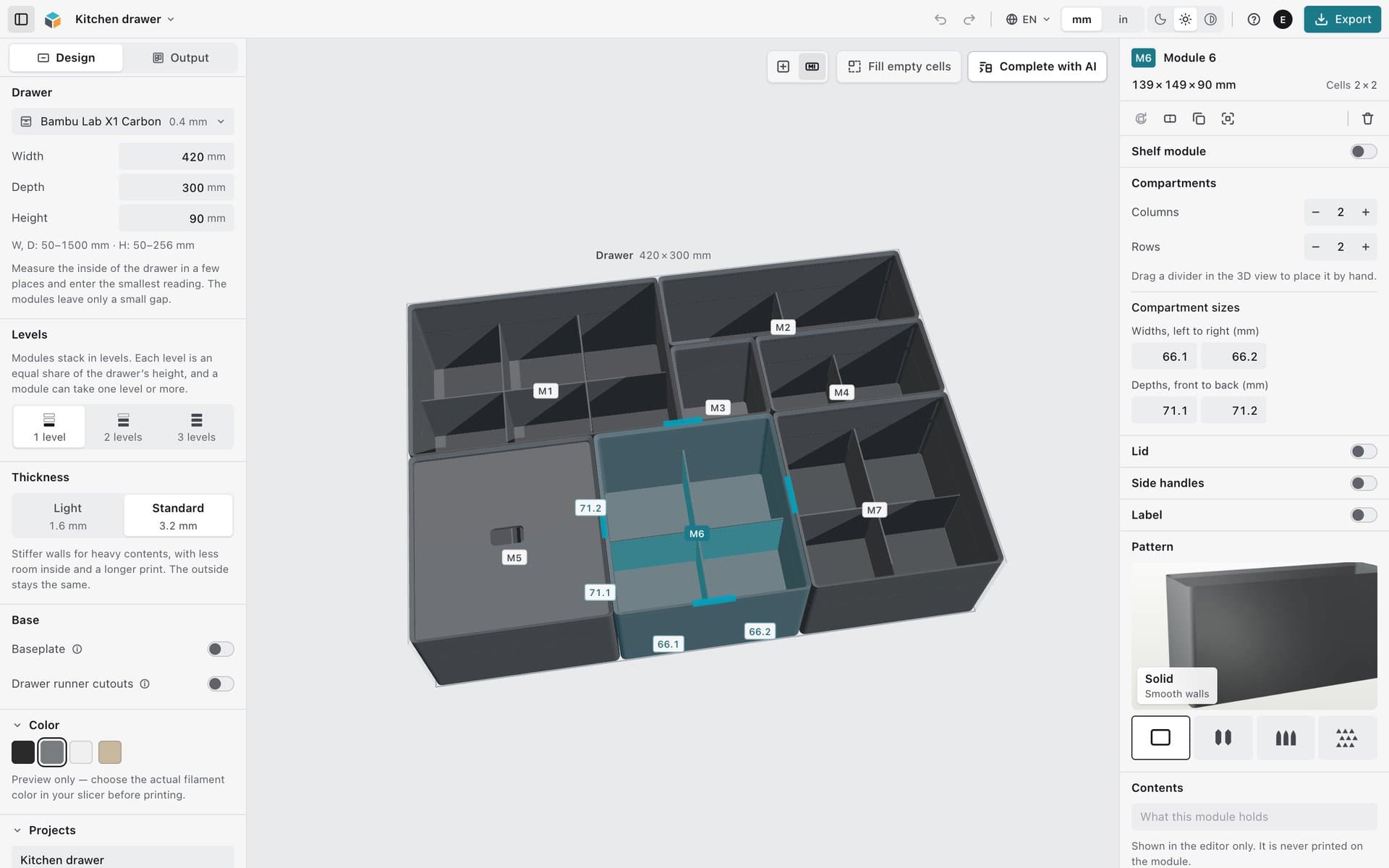
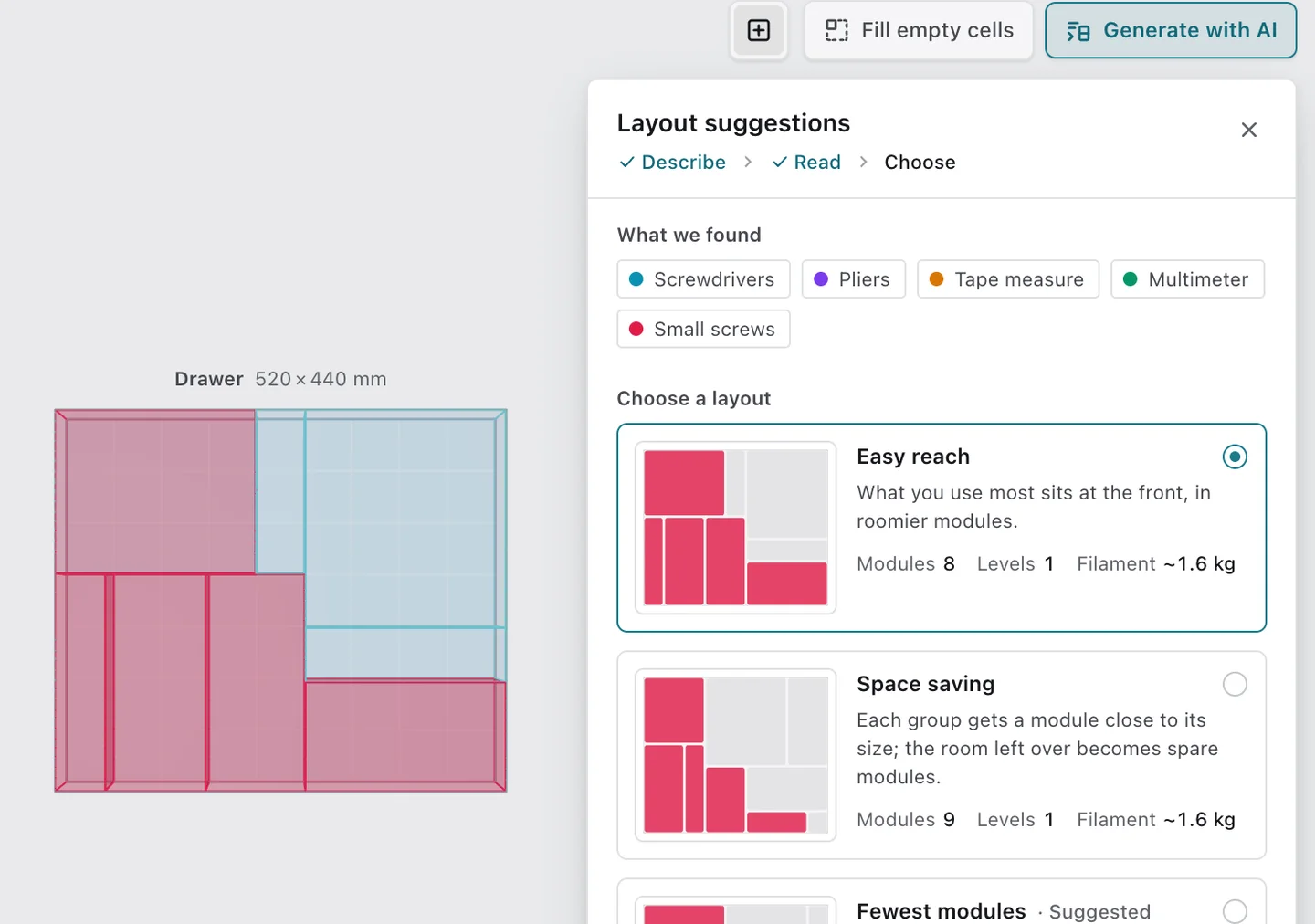
In CubeOn, the 3D render is the editor — not just a result screen.

Built into the configurator

Design your organizer and prepare it for printing.

Set the dimensions, configure the modules and export the finished project for your own 3D printer.

Design

01

Multi-level design

Use up to three levels in one project and turn vertical space into usable storage.

02

Baseplate system

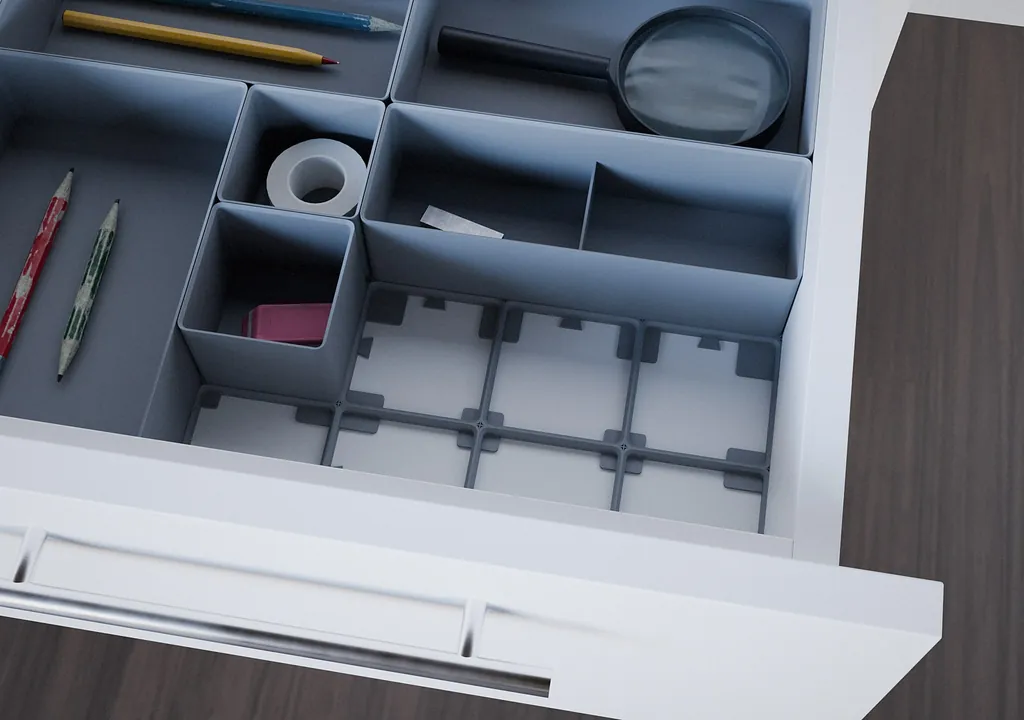
Anchor free-standing layouts to a printable baseplate while leaving unused space open.

03

Side-shelf modules

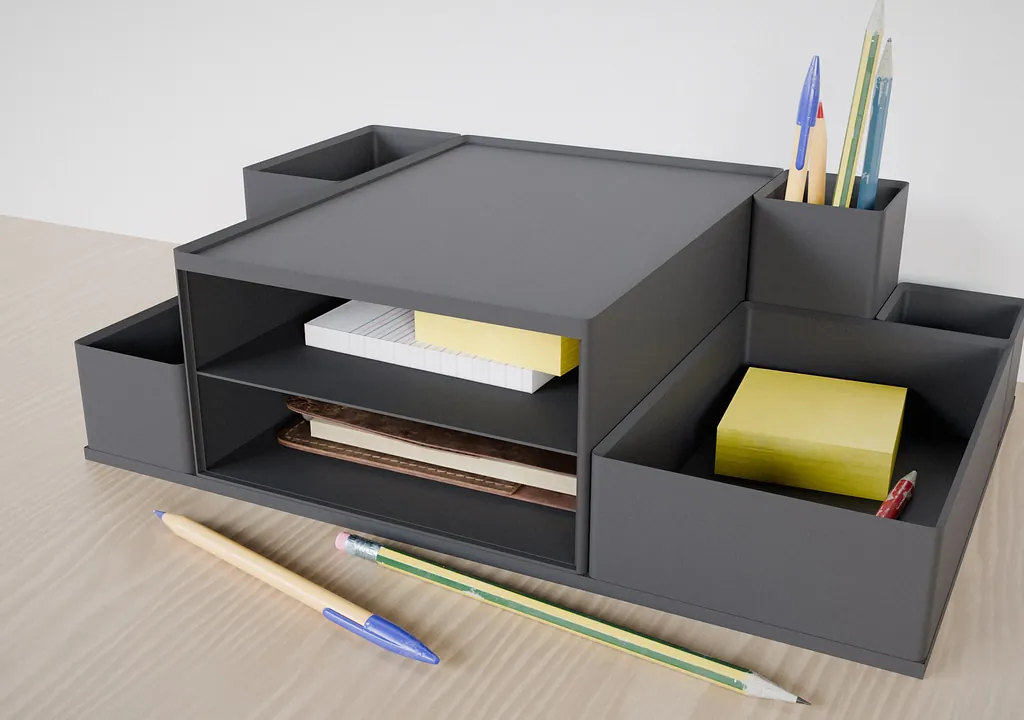
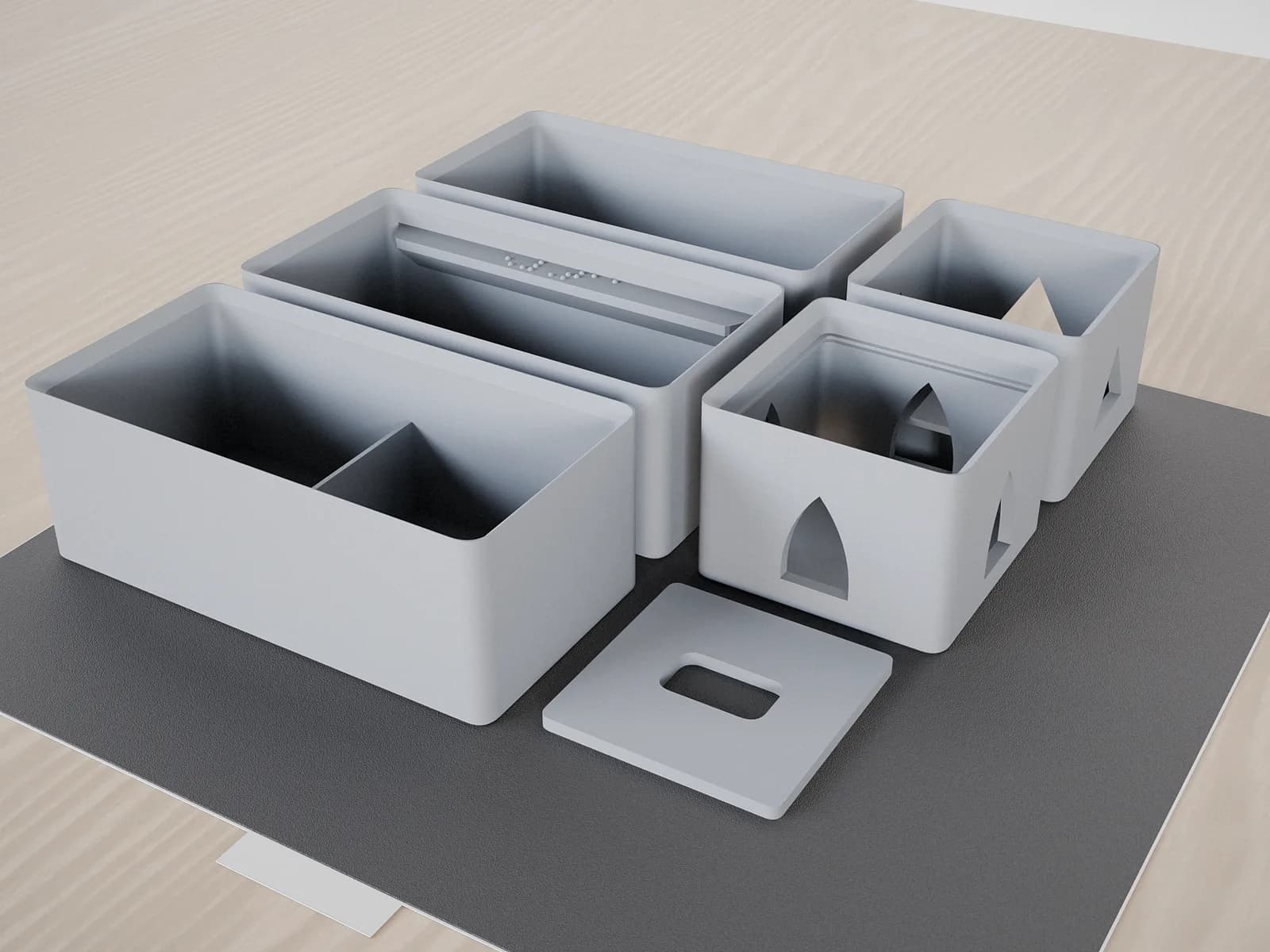
Open a module from the side to create a free-standing shelf for desks, cabinets and baseplate layouts.

Customize

04

Wall patterns

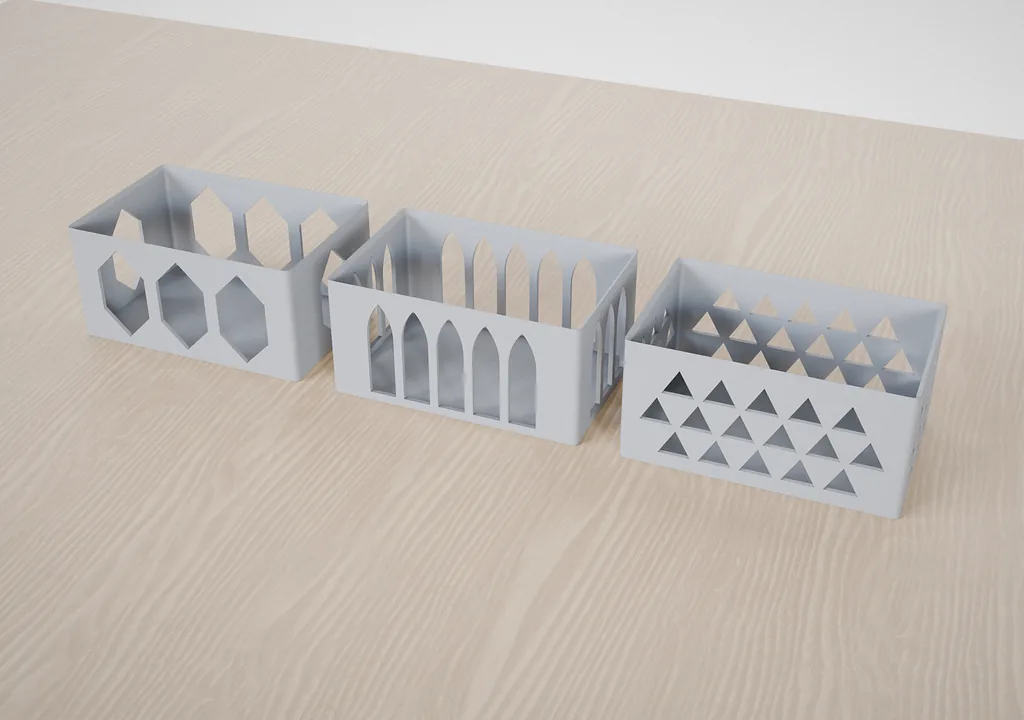
Switch between solid, Honeycomb and Japandi walls without rebuilding the module.

05

Text and Braille labels

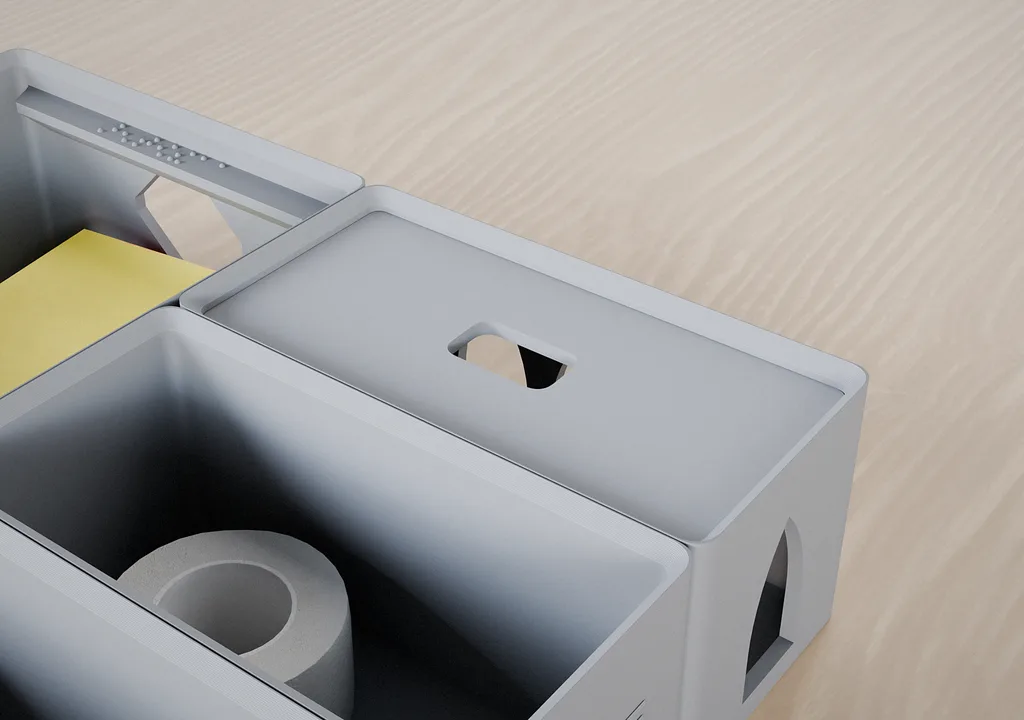
Add side or top text, or use Braille markers when tactile identification matters.

06

Fitted lids

Add or remove a fitted lid when a module needs protection, stacking or portability.

Prepare & manage

07

Runner cutouts

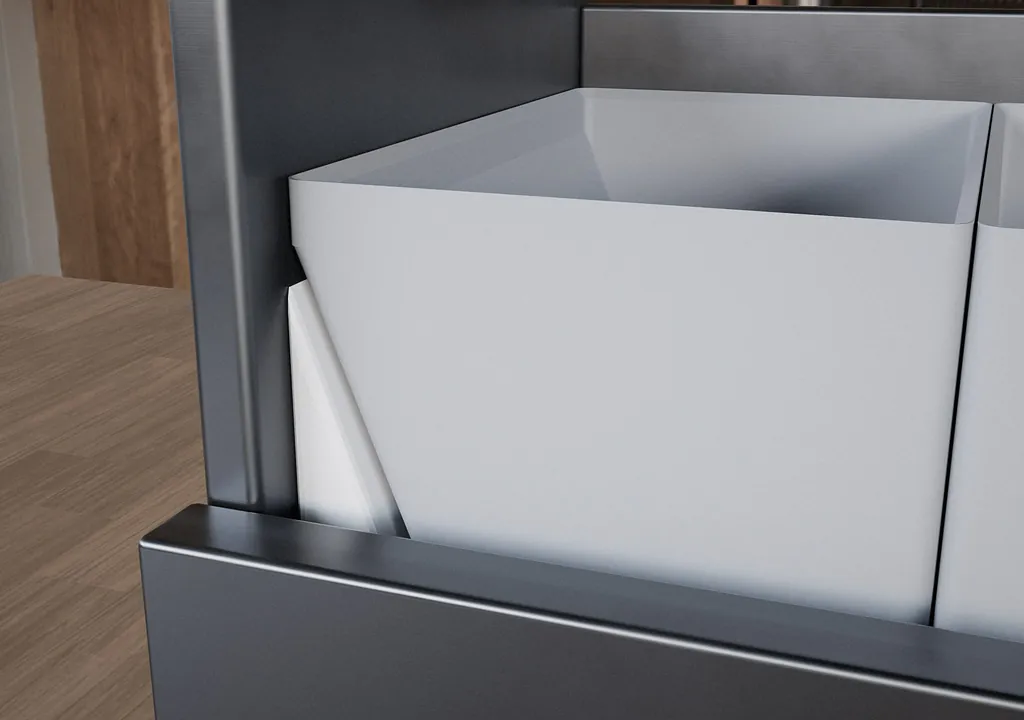
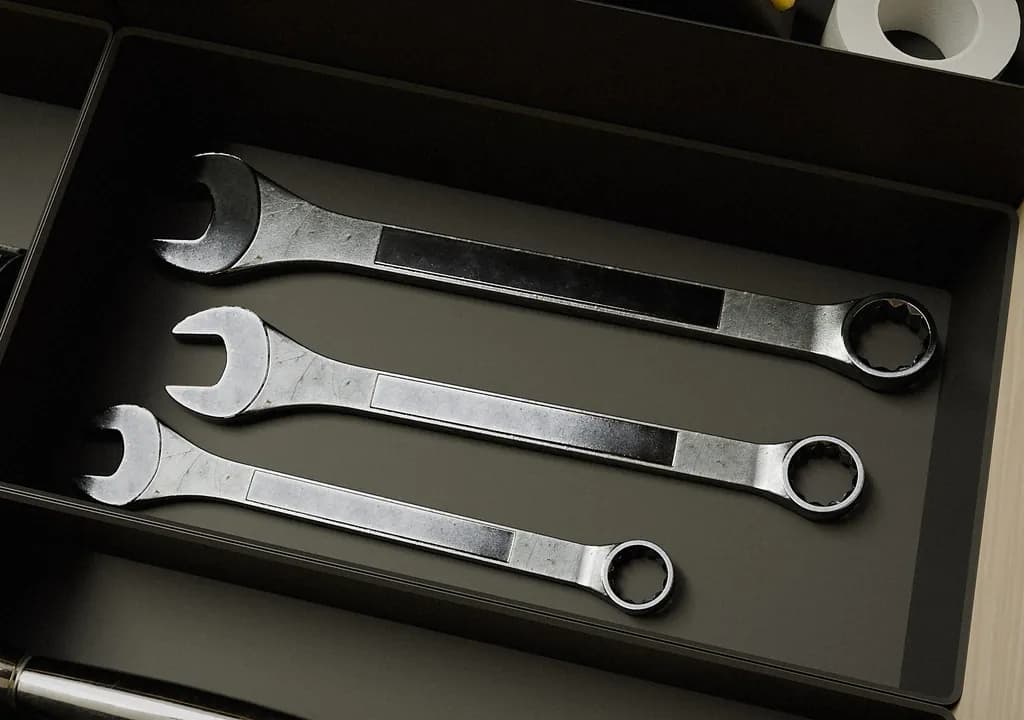
Add cutouts where drawer runners take up usable interior space — for example in Blum TANDEMBOX, Hettich InnoTech or GTV Modern Box systems.

08

Smart optimization

Merge modules to save filament and print time, then arrange parts automatically for the active printer.

09

Project control

Save named projects, undo changes and keep experimenting without losing a working layout.

Accessibility by design

Accessibility is part of the product, not an add-on.

CubeOn Studio and this website are designed with low-vision users in mind. We aim to keep every step intuitive, legible and usable by as many people as possible.

Clear by default

Readable type, strong hierarchy and visible focus states help people with low vision move through the website and tool.

Display that adapts

Choose light, dark or high-contrast mode. Motion is reduced automatically when requested by the operating system.

Braille-ready organizers

Add Braille labels to modules so blind and low-vision users can identify printed organizers by touch.

CubeOn Studio pricing

Free to design. Upgrade when you need files.

Start with Free. Choose Pro for personal projects or Pro+ for sales and client work.

Free

Design and evaluate CubeOn Studio before choosing an export plan.

Free

$0forever

  • Design in the editor
  • Live 3D organizer preview
  • No payment method required
  • File exports require Pro or Pro+
Open the configurator
Most popular

Pro

For makers producing organizers for their own personal, non-commercial use.

Monthly

Calculating your local price…

Yearly

Calculating your local price…

  • 3MF and full-project STL export
  • Personal, non-commercial use only
  • Up to 25 cloud projects
  • Custom printer profiles
Choose Pro

Pro+

For businesses and professionals producing organizers for sale or client work.

Monthly

Calculating your local price…

Yearly

Calculating your local price…

  • 3MF and full-project STL export
  • Commercial production license
  • Unlimited cloud projects
  • Cloud save and sync
Choose Pro+
Pricing and legal details

Prices are provided by Paddle, our Merchant of Record. When localized pricing is available, the amounts shown include the applicable currency and taxes. Paddle confirms the final total before payment. Subscriptions renew automatically until canceled from the billing portal.

By subscribing you agree to the following:

Good to know

Before you start

What you need to know about designing, exporting and printing with CubeOn Studio.

01Do I need CAD experience?

No. Enter the interior dimensions, arrange modules visually and see every change in the live 3D preview.

02Do I need my own 3D printer?

Yes. CubeOn Studio creates the files; you prepare them in your slicer and print them on your own FDM printer.

03What file formats can I export?

Export the complete project as a ZIP of STL files or as a 3MF project.

04Which slicer can I use?

Use any modern slicer that imports STL or 3MF, including Bambu Studio, OrcaSlicer, PrusaSlicer and Cura. Check the sliced preview with your own printer profile before printing.

05Does the editor work on mobile?

The website and account work on mobile. The precision 3D editor currently needs a screen at least 1024 px wide.

06Is CubeOn compatible with Gridfinity?

Not as a drop-in Gridfinity system. Gridfinity uses a fixed 42 mm standard, which makes bins interchangeable across a large ecosystem. CubeOn solves a different problem: it scales the grid to the exact interior of a particular drawer, uses the full available area, and prepares the complete print job for your selected 3D printer. The two approaches can complement each other, but CubeOn modules do not follow the Gridfinity 42 mm standard.

07Can I use exports commercially?

Pro is for personal, non-commercial projects. Pro+ includes commercial production rights for sales and client work, subject to the current EULA.

Review Terms & EULA
08How do I report a bug or request a feature?

Open Feedback from the editor or Account. Choose Bug or Feature request and include steps to reproduce when possible.

Open contact form

Contact

Need help or have a question?

Your message goes straight to Matt, the person behind CubeOn. You’ll get a personal reply by email.

No hand-offs and no anonymous support queue. Every question, bug report and feature idea reaches the person who designs and builds CubeOn.

We’ll use your details only to reply to your message. Privacy Policy

Type

The 24/72 Founder Promise

Let’s stay in touch.

CubeOn is an independent product, built in close conversation with the people who use it. Your feedback directly shapes where it goes next.

24 hours

Critical bugs don’t wait in a queue.

I personally review every report. If I can reproduce a critical problem, you’ll have a fix or a safe workaround within 24 hours.

72 hours

Good ideas move quickly.

When a small, useful improvement makes sense, I aim to ship it within 72 hours, provided it can be done safely. For larger ideas, you’ll get a clear decision and delivery plan within the same timeframe.

Direct to the founder

Your message reaches the person building CubeOn.

I read every message, and what I learn helps decide what CubeOn becomes next.

CubeOn grew out of many months of focused work and genuine care. I still design and develop it every day, and I want every user to know the person behind the product.

Matt Mrozek

Creator of CubeOn Studio